
Kelpi for Appointment scheduling
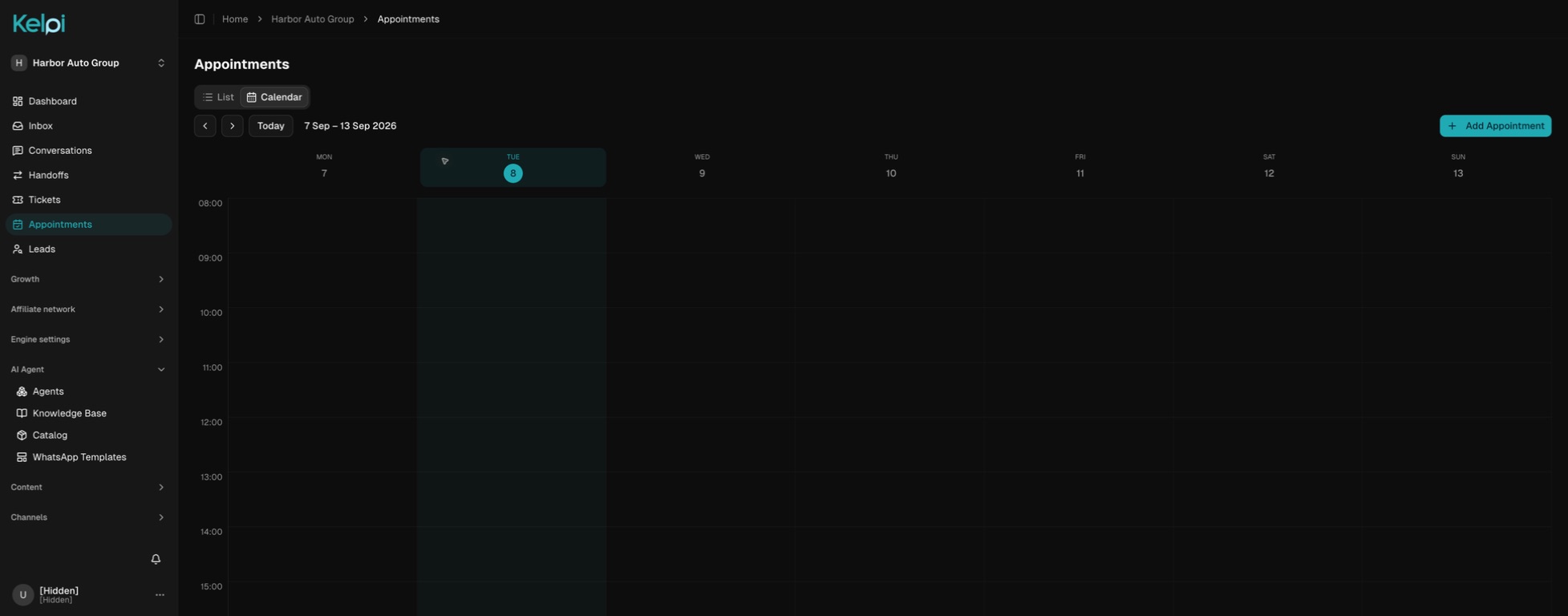
Let customers move from a message or call to a real place on your calendar. Kelpi connects the person, the reason for the visit, the available teammate, and the next step.

- Offer times your team can serve
- Keep the visit connected to the customer
- Handle changes in the conversation
A conversation with a next step
From first contact to follow-through.
Understand the visit
Ask what the person needs, which service or location they prefer, and whether the meeting should be in person or virtual.
Find an available time
Use staff schedules, timezones, existing bookings, closed days, and slot capacity to offer appropriate options.
Confirm the next step
Book the selected time and keep the appointment attached to the customer and responsible teammate. Share the relevant location or meeting instructions.
Keep the plan current
Let the customer review upcoming appointments, cancel, or arrange a new time through the configured conversation flow.
Built around your operation
The details that make the experience work.
A booking experience for the work you do
Schedule a clinic visit, dental consultation, school tour, property viewing, test drive, service appointment, venue tour, or home estimate. Shape the questions around what the receiving team needs.
Availability before a promise
The agent works with available slots instead of inventing a date. Kelpi checks the selected time again when the booking is made, helping protect the schedule when several people ask at once.
A person for the exceptions
Bring in a coordinator when a request needs approval, a special duration, or a scheduling exception. Keep the question in a ticket so the follow-up has an owner.
Before we get started
Good questions.
Clear answers.
Can appointments happen over chat or voice?
Yes. Configured messaging and voice agents can work with scheduling tools. Your team can also manage bookings from the application.
Does this include every external calendar?
Kelpi has its own staff scheduling and appointment tools. Bring your Google Calendar or Cal.com workflow to the demo so we can scope the connection and source of availability for your setup.
Connect the next part of the journey
Make it work across your business.
See my booking journey
Bring your channels, your team, and the experience you want your customers to have. We’ll walk through it together.
Book a product demo