
Kelpi for Call centers
Live transcription, listen-in, whisper coaching, supervisor intervention, red keyword alerts, and voice avatars. See what needs attention and help while it matters.

- Read live transcripts and spot red alerts
- Listen, whisper, or join a human call
- Connect human judgment with AI voice
Live visibility. Timely support.
Read the conversation while the call is still happening.
Follow the live transcript as new completed speech segments arrive, with the caller and advisor clearly separated. Scan the latest words on the board, then expand a call to read the conversation and understand where help is needed.
Your floor, in one view
See calls in progress, ringing calls, calls with AI, and active alerts. Keep the advisor, elapsed time, inferred call reason, and supervisor presence in view alongside the latest transcript.
Read the moment. Keep the context.
The transcript follows new completed segments as they arrive. Scroll back to review an earlier exchange without being pulled away from it. The team roster shows who is available, busy, or offline.
Three ways to support a live call
Listen. Coach. Step in.
Choose the level of involvement the moment calls for. Authorized supervisors can support active human conference calls directly from the browser.
Listen
Hear what is happening.
Join an active human conference call with your microphone muted. Hear the customer and advisor, understand the situation, and spot a coaching opportunity while the conversation is still unfolding.
The supervisor hears the call. Neither participant hears the supervisor.
Whisper
Coach the advisor privately.
Give the human advisor a useful prompt, clarify a policy, or suggest the next question. Help a new teammate handle an objection or a difficult moment without taking over their conversation.
Only the human advisor hears the supervisor’s guidance.
Barge in
Step into the conversation.
When the situation needs your voice, join as an active participant. Speak directly with the customer and advisor to clarify an answer, support an escalation, or agree on the next step.
Both the customer and advisor hear the supervisor.
Joining the conversation asks for confirmation before your voice becomes audible to both participants. Leave supervision when your help is complete without ending the customer’s call.
Put the important moments in view
Your keywords. A red call. A clear reason to look closer.
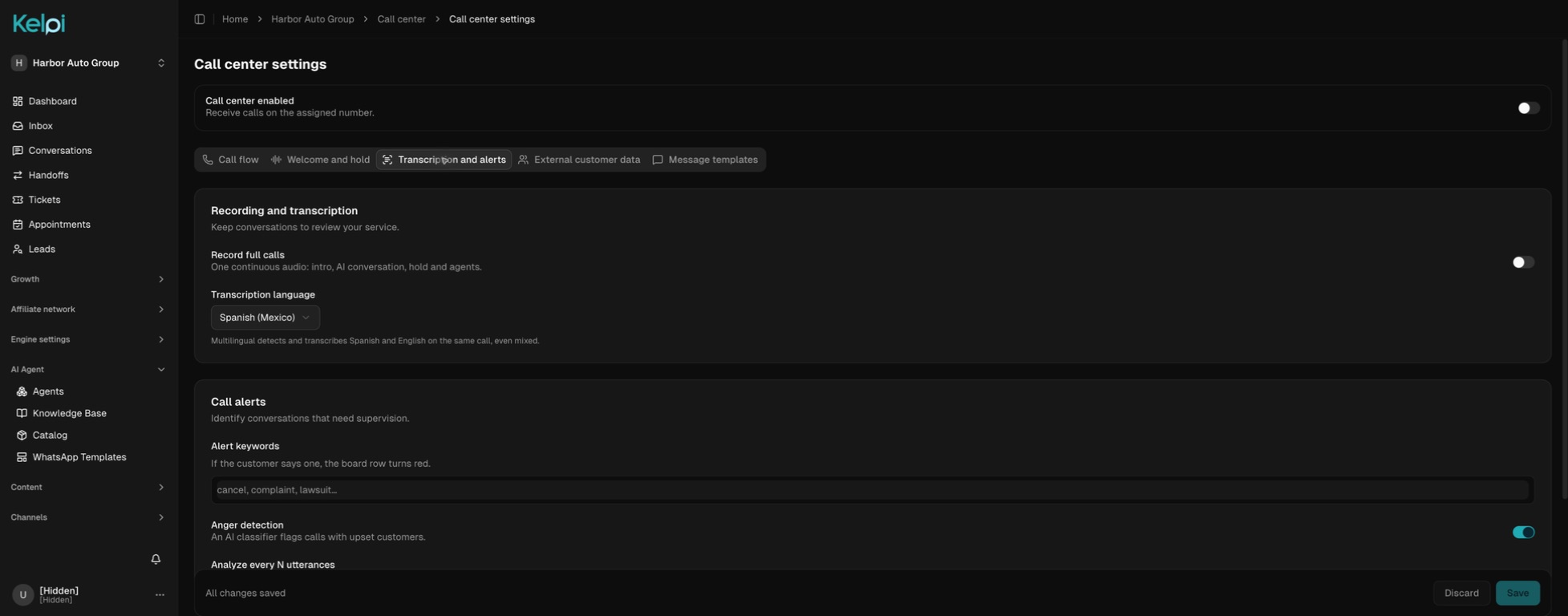
Choose the words and phrases that matter to your operation—such as “cancel,” “refund,” or “speak to a manager.” When a configured phrase appears in a caller’s transcript, the call turns red on the live board and the matching transcript segment is highlighted.
Keyword alerts you define
Make the signals specific to your business: a cancellation request, a complaint, or a phrase that needs specialist attention. The board shows the alert reason so a supervisor can read the context and choose how to help.
Frustration and anger signals
Optional AI analysis of the transcript can flag frustration in yellow and anger in red. Use these signals alongside the customer’s words to prioritize attention. Raised alerts stay visible for the live call even if the conversation later becomes calmer.
Voice avatars, guided by a real advisor
Your advisor leads. The avatar gives the response its voice.
The advisor listens to the customer and decides what to say. With the voice avatar active, the customer hears the response through the configured AI voice and persona—a human-led conversation with an assisted voice experience.
Answer with an avatar or activate it during a human call. In the voice room, switch the avatar on or off to move between assisted delivery and the advisor’s own voice. Keep hold and transfer tools close at hand.
Voice avatars are available in selected deployments with the voice-room service configured. We’ll walk through your voice, language, and operating needs in the demo.

A conversation with a next step
From first contact to follow-through.
Route with intention
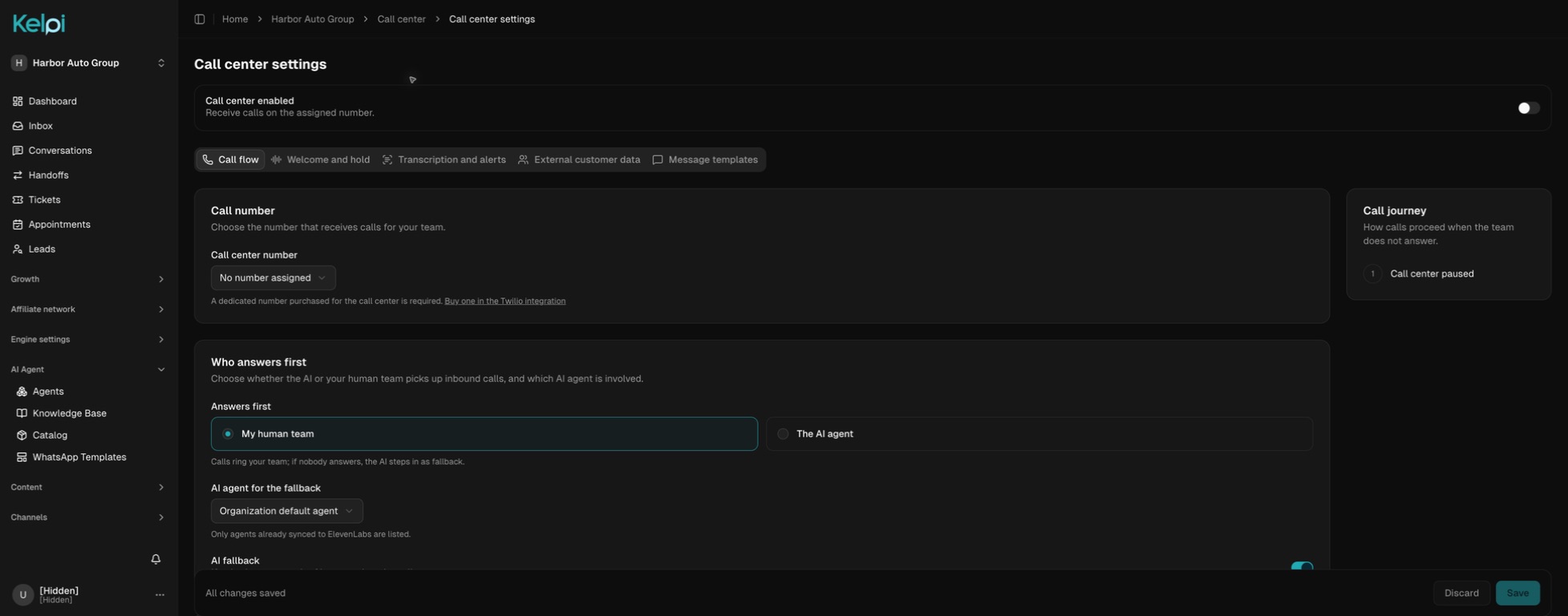
Choose human-first or AI-first answering. Ring available advisors through configured rounds, use specialist teams for transfers, and keep an AI fallback ready when the human team cannot answer.
See what needs attention
Follow the live transcript, call reason, duration, and team presence. A configured keyword or an AI frustration signal makes the conversation easier for a supervisor to spot.
Help at the right level
Listen to an active human call, privately coach its advisor, or join the conversation. Transfer to another team or AI when the customer needs a different kind of help.
Carry the work forward
Use the AI-generated summary and suggested action items to review what happened. Turn selected follow-ups into assigned tickets and keep unresolved work moving after the call ends.
Built around your operation
The details that make the experience work.
Routing that respects availability
Ring eligible advisors in sequential rounds, followed by simultaneous ringing according to your settings. Configure ring times, rounds, and AI fallback. Online presence, current call activity, and connection freshness help determine who is ready to answer.
Teams for the right specialty
Create sales, service, retention, or support groups with their own members and descriptions. Choose a default team. An AI agent can hand a caller to a connected human team and share the transfer reason before an advisor accepts.
A handoff that keeps someone responsible
When transferring to a human team, put the caller on hold with music while the destination rings. Cancel the transfer if needed; if nobody answers, the caller returns to the original advisor. Transfers to AI can carry a summary of the conversation so the next response starts with context.
The customer record, beside the call
See the caller’s lead information and linked tickets in the workspace. Through a configured customer-data integration, bring in useful account fields and purchase history so advisors can understand the relationship before asking the customer to repeat it.
Send the next step before hanging up
Use reusable templates to send a purchase, appointment, support, or information link by a configured SMS, WhatsApp, or email channel. Review the send history and send failures from the call workspace.
After-call work with a head start
Generate a summary from the available transcript and surface concrete follow-up items. The wrap-up flow lets an advisor review suggestions and turn selected items into tickets with a title, priority, and owner. Keep human review in the loop as the conversation becomes work.
Recordings and a history you can review
Enable call recording for your operation and review playback alongside the call record. Filter history by human, AI, or missed calls, then inspect the reason, duration, summary, and outstanding actions to coach the team or continue service.
Metrics for a working contact center
Review answer and missed-call rates, average speed of answer, average handling time, and red alerts. Explore volume by day and hour, advisor activity, and ticket outcomes across 7-, 30-, or 90-day views.
The details callers actually hear
Shape the welcome with a configured introduction, selected AI voice, and hold music. Advisors can mute, place callers on hold, and keep the call controls available as they move through the workspace.
Built for teams across locations
Coordinate a distributed floor with browser calling, shared presence, team routing, and a common customer record. Plan languages, target countries, phone-number availability, and provider capacity around the markets and volume you serve.
Before we get started
Good questions.
Clear answers.
Can I read the call before it ends?
Yes. The live board shows recent transcript segments, and expanding a call opens the conversation with caller and advisor labels. New completed speech segments appear as transcription arrives, so a supervisor can follow the exchange while the call is in progress.
What is the difference between listen, whisper, and barge in?
Listen lets the supervisor hear the call while muted. Whisper lets only the human advisor hear the supervisor. Barge in makes the supervisor audible to both advisor and customer. These controls are for authorized owners and administrators on active human conference calls; AI and voice-avatar sessions use a different call path.
What makes a call turn red?
A match between the caller’s transcript and one of your configured alert phrases raises a red alert. Optional AI sentiment analysis can also raise yellow alerts for frustration and red alerts for anger. The board displays the reason, and raised alerts do not automatically clear when the conversation settles.
Is a voice avatar an autonomous AI agent?
The voice avatar is guided by a human advisor. The advisor hears the caller and speaks their response; the configured persona delivers a polished or translated version through its AI voice. Autonomous AI answering is a separate mode. Voice avatars require the voice-room service to be configured for your deployment.
Can an advisor keep speaking their own language?
In a configured voice-avatar deployment, the advisor’s speech can be rewritten or translated into the selected output language before the AI voice delivers it. We will walk through your language pair, voice, and turn-taking experience during setup.
What happens if a transfer is not answered?
For a transfer to another human team, the caller stays connected to the original advisor’s flow while the destination rings. The advisor can cancel, and an unanswered transfer returns the caller to that advisor. Inbound calls use your configured routing and fallback rules.
Can we connect our CRM and follow-up process?
A configured customer-data integration can show account fields and purchases during the call. Advisors can review linked tickets, send approved links, and turn post-call action items into new tickets. We will map the systems, channels, and handoffs for your operation.
Connect the next part of the journey
Make it work across your business.
See what your supervisors could do with Kelpi.
Bring your channels, your team, and the experience you want your customers to have. We’ll walk through it together.
Book a product demo