
Kelpi for Bring conversations to WhatsApp
Turn an Instagram inquiry, Facebook conversation, web chat, or form response into a continuing customer relationship on WhatsApp. Ask for a number and permission, then make the next step useful.

- Capture a reachable customer contact
- Make the channel change intentional
- Connect messaging to the next sales step
A conversation with a next step
From first contact to follow-through.
Answer where they arrive
Respond on the connected channel and learn what brought the prospect to you. Keep the original inquiry attached to the lead.
Invite the move
Explain why WhatsApp would help—sending options, a booking link, or follow-up. Ask for their number and permission to continue there.
Start the WhatsApp conversation
Use the connected WhatsApp channel and an approved template when required. Match the follow-up to the customer’s request and permission.
Build the next journey
With the appropriate consent, move into appointment booking, a sales callback, a relevant campaign, or a human conversation. Respect a request to stop.
Built around your operation
The details that make the experience work.
More than collecting a phone number
A person asking about one product should receive context about that product. Keep the interest, source, and next action together so your team can continue the conversation naturally.
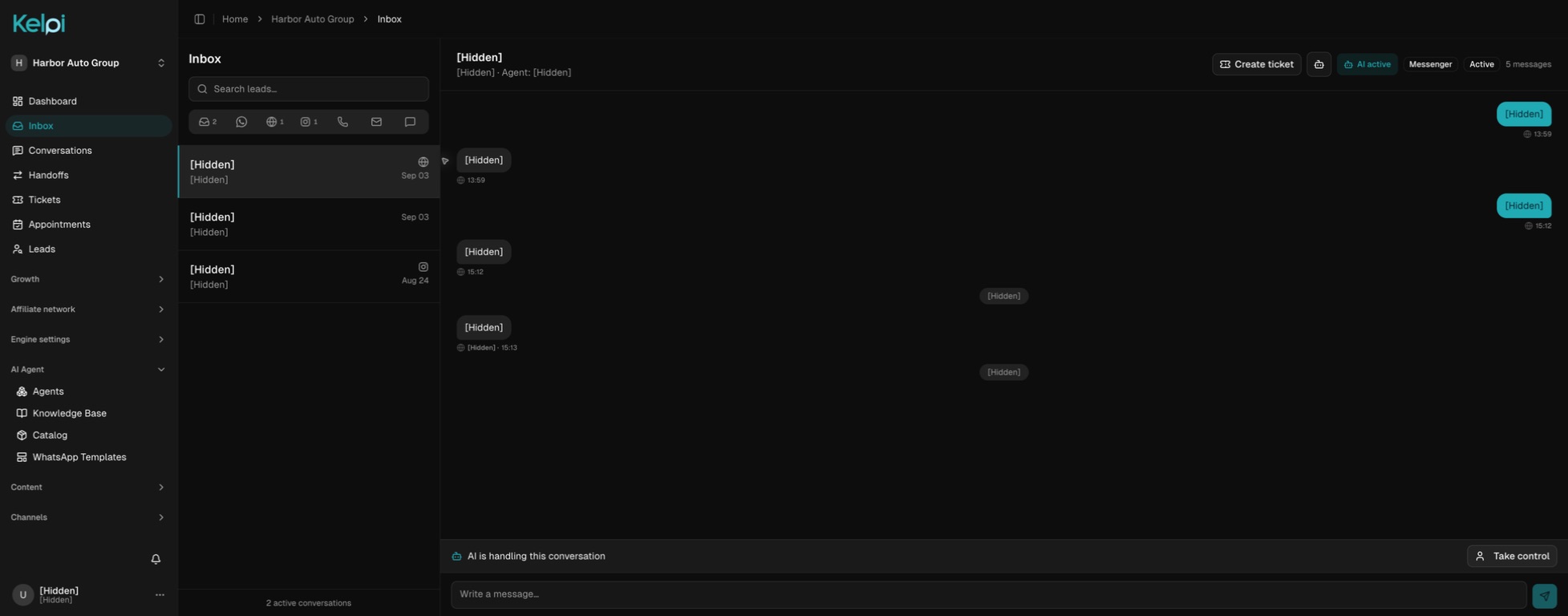
A shared inbox, even before the switch
Your team can manage connected Instagram, Facebook, WhatsApp, email, and web conversations in Kelpi. Customers who prefer their original channel can continue there.
Permission travels with the purpose
Ask separately for the follow-up you intend to provide. Consent to a WhatsApp conversation is not a blanket invitation to unrelated promotions or automated sales calls. Build those choices into your configured flow.
Before we get started
Good questions.
Clear answers.
Does Kelpi automatically move a social media chat to WhatsApp?
It creates a path to continue on WhatsApp after the person shares their number and agrees. It does not transfer the original platform thread or make the choice for the customer.
Can we call that prospect afterward?
Use a calling workflow only when you have the appropriate permission for that purpose and channel. Configure the audience, working hours, attempt limits, and opt-out handling before outreach.
Connect the next part of the journey
Make it work across your business.
Design my WhatsApp journey
Bring your channels, your team, and the experience you want your customers to have. We’ll walk through it together.
Book a product demo