
Kelpi for Subscription businesses
Welcome new customers, explain what they bought, answer the first question, and make support easy to reach. Connect your checkout to a customer journey that continues after payment.

- A welcome that explains the purchase
- A relevant next offer when invited
- Support and retention with a clear owner
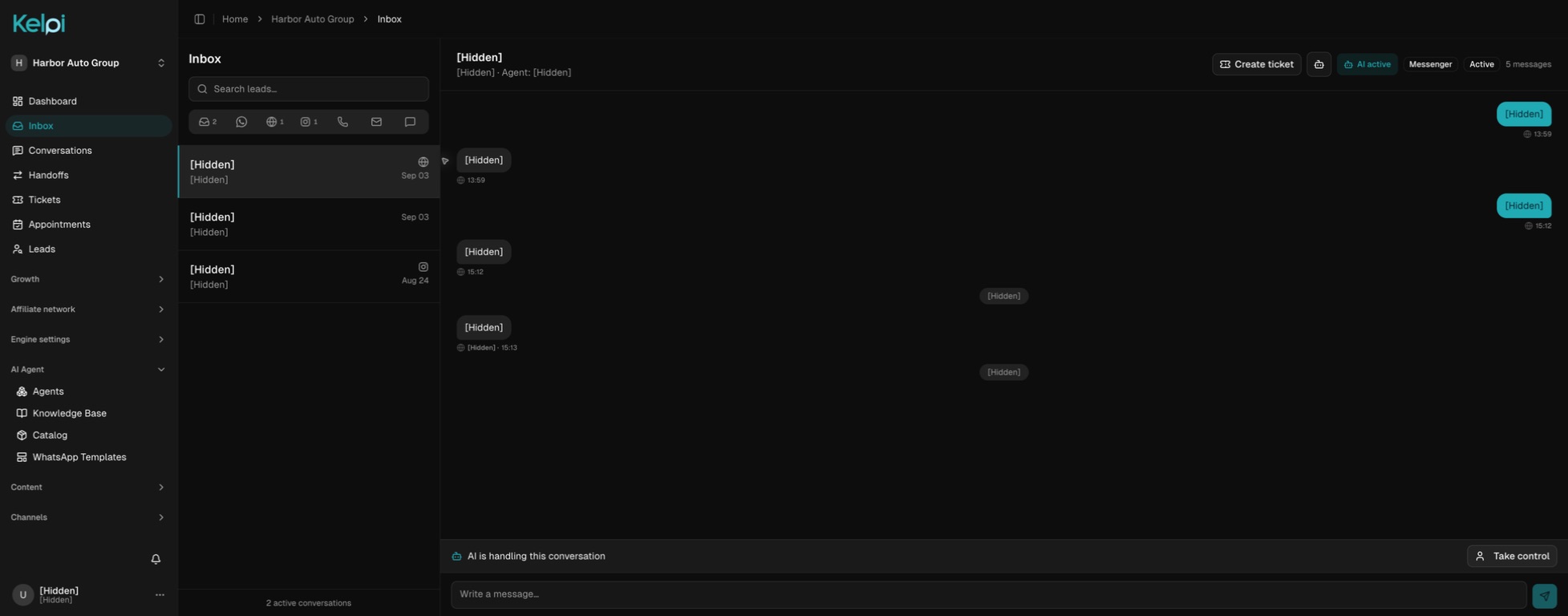
A conversation with a next step
From first contact to follow-through.
Connect the purchase event
Map a supported checkout or purchase event to the customer and purchased offer, then define permission for the intended follow-up. Scope additional subscription events during integration setup.
Give a useful welcome
Configure a welcome call or message that explains the product, access, first steps, and where to get help. Use AI, a human, or a handoff between them.
Share the right destination
Send a product, purchase, help, or account-management link. Introduce an eligible upgrade or offer when it is relevant and the customer wants it.
Resolve or hand over
Answer from approved policies, create a support ticket, or transfer to a retention specialist. Capture cancellation or refund requests in the conversation or a ticket, then route them through the authorized process.
Built around your operation
The details that make the experience work.
Connect Stripe to your customer journey
Connect your checkout to Kelpi through a scoped integration. Share the purchase, help, or account-management links you provide, and map Stripe events to the right customer follow-up during setup.
Upsells without losing the welcome
First help the customer understand what they purchased. When they ask for more, share the appropriate purchase link or explain a current discount or coupon approved by your business.
A clear path for cancellation and refunds
Provide the account-management link or route the request to the authorized team. Offer a retention conversation if the customer wants one, with a human or configured AI; keep cancellation accessible and refund approval in your payment process.
One owner for the unresolved question
A delivery issue, access problem, or billing concern becomes a ticket with customer context and a responsible person. The welcome team and the support team can follow the same next step.
Before we get started
Good questions.
Clear answers.
Will Kelpi create coupons or issue Stripe refunds automatically?
The workflow can share your approved offers and Stripe links, and route requests to your team. Creating discounts, changing subscriptions, or executing refunds requires the appropriate Stripe-side integration and permissions; it is scoped during setup.
Can a customer reach a human?
Yes. During a configured voice call, AI can transfer to an available call-center team. Your team can also turn unresolved billing or service questions into assigned tickets.
Can we call immediately after checkout?
A connected purchase event can be the starting point for a configured welcome flow. Timing, customer permission, working hours, and provider capacity determine how the follow-up runs.
Connect the next part of the journey
Make it work across your business.
Map my post-purchase experience
Bring your channels, your team, and the experience you want your customers to have. We’ll walk through it together.
Book a product demo